Your codebase, as a living map
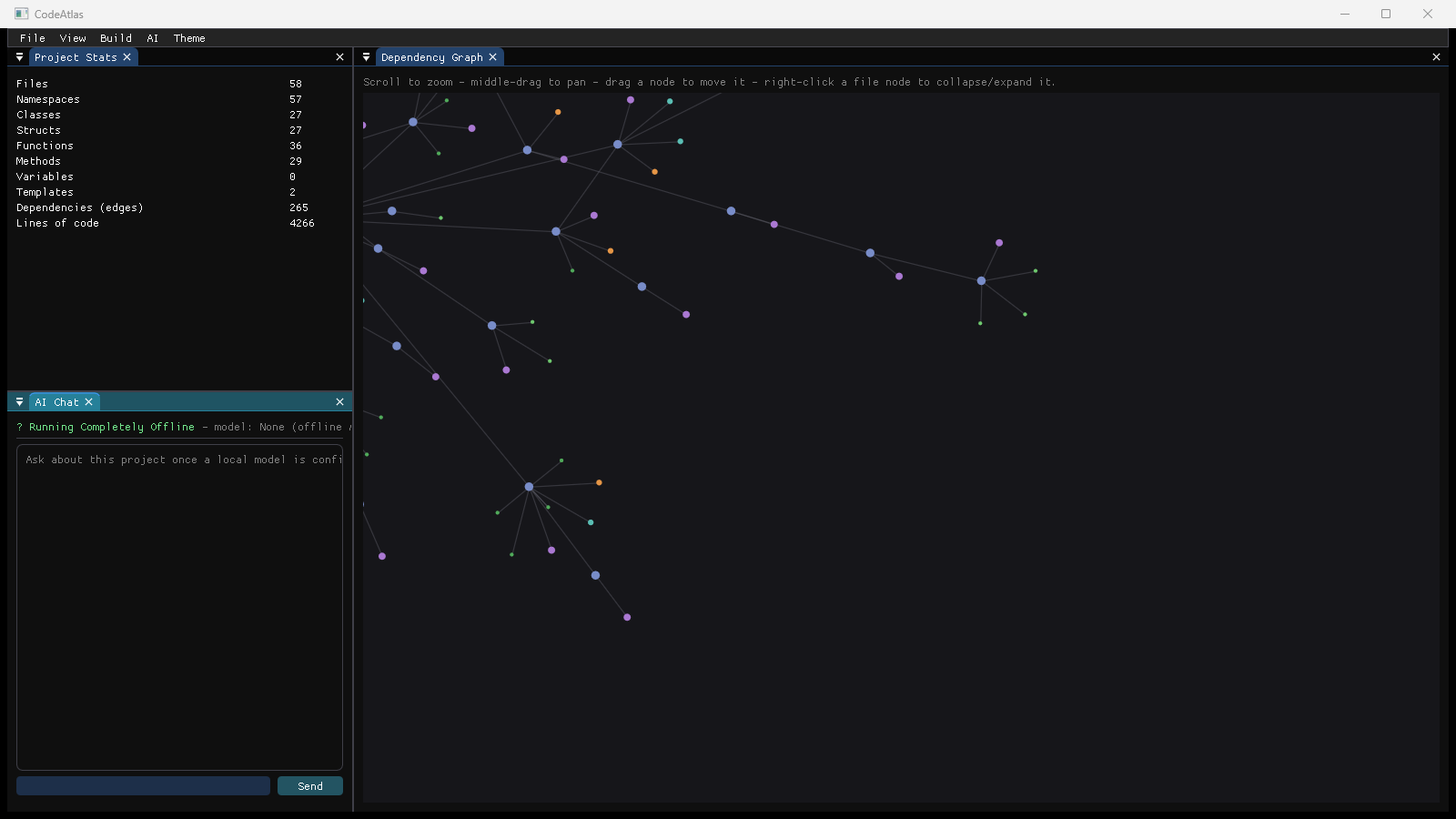
A native, GPU-rendered visual explorer for C/C++ projects — an interactive dependency graph plus a fully offline, local AI assistant. Nothing ever leaves your machine.
v0.1.0 · Windows 10/11 (64-bit) · Installer or portable ZIP
Multi-threaded scan and parse of your project into a pan/zoom/drag force-directed graph of files, classes, structs, and functions.
Chat about your codebase using a real GGUF model via llama.cpp, running entirely on your machine. No API keys, no network calls, no data leaving your laptop.
File, class, function, method, and line-of-code counts, plus a live count of dependency edges as you explore.
A playful animated view of your build in progress, alongside a traditional build log for when you just want the output.
Your project state is saved automatically, with a restore prompt if CodeAtlas ever closes unexpectedly.
A small C ABI for extending CodeAtlas without waiting on upstream — load your own plugins from a local folder.
Standard Windows installer with a Start Menu entry, optional desktop shortcut, and a clean uninstaller. Everything needed to run is bundled — no extra downloads.
Download Setup.exeNo installation, no admin rights, no registry changes. Unzip anywhere and run codeatlas.exe directly.
CMake + a MinGW/MSVC toolchain. Full instructions and prerequisites are in the repo's setup guide.
View on GitHubInstall or unzip CodeAtlas, then launch codeatlas.exe.
Use File → Open Folder to point it at any C/C++ project. It scans, parses, and renders the dependency graph automatically.
To use the AI assistant, download any instruct-tuned .gguf model (for example from Hugging Face) and select it via AI → Load Model... — chat and explain features work fully offline from then on.